Live help every weekday, an AI agent in ChatGPT and Claude, faster ads, and new tools for high-volume sellers
“Can I talk to an actual person?”
“My store is live. Now what?”
“Where’s that order, and what did it cost me?”
“Can my assistant log in without my password?”
Fair questions, all of them. This month’s updates answer each one: free live help every weekday, courses and a community inside Zendrop, store answers from the AI assistant you already use, faster ad making, and new tools for sellers managing more orders, stores, and people.
Here’s what’s new in Zendrop.
Don’t miss the next Zendrop feature
Get product updates, new feature launches, and tips to help you source, sell, and fulfill faster – plus our free Dropshipping Guide when you subscribe.
By subscribing, you agree to receive emails from Zendrop. You can unsubscribe at any time.
Free daily onboarding calls: talk to a real person every weekday
What changed: Every Zendrop user, on any plan, can now join a free live onboarding call with expert 7-figure Zendrop coach Ali Shakarchy every weekday at 12 PM EST.
Why it matters: Setting up a store is a hundred small decisions, and some are easier to make out loud. Bring whatever’s slowing you down, from connecting your store to picking products to getting your first order out the door, and Ali will answer on the spot.
Where to find it: Log in and click the Daily Onboarding Call card on your dashboard. We’ll also email you weekly to remind you.
Zendrop Academy 2.0: Learn where you build

What changed: Courses on dropshipping, print on demand, and seasonal selling now live right inside Zendrop, in English, German, French, Portuguese, and Chinese. We save your progress, so you can pick up where you left off, and a new Black Friday / Cyber Monday course is live now.
We also opened a Community for everyone: join 12,000+ Zendrop sellers in our Discord.
Why it matters: The hardest stretch of a new store is the gap between “my store is live” and “I made a sale.” Academy puts the lessons, and the sellers who’ve made that jump, next to the tools you already use. With Black Friday almost here, start with the Black Friday / Cyber Monday course.
Where to find it: Courses come with any paid plan; click Academy in the left menu. The Community is free for everyone; open the Community tab in Zendrop.
To join the Discord,
- In Zendrop, you click Community in the left menu, then Join the community on Discord.
- Discord opens in your browser. You sign in, or create a free Discord account.
- You click Authorize. That connects your Discord account to Zendrop and adds you to the Zendrop server.
- A Zendrop bot checks your plan and gives you a role. On a paid plan, you get full access to everything.
Free workbook
Your First Black Friday, Planned Out
No sales history, no email list, no team? Get a week-by-week plan to Cyber Monday, a discount that still makes money, and ready-made messages for delays.
Get my free workbook
Zendrop AI Agent: ask about your store from ChatGPT or Claude
What changed: Zendrop is now in the ChatGPT and Claude app directories. Connect your Zendrop account once, then ask about your store in simple language, like if you’re texting a friend.
Ask where order #1004 is, what an order cost, or what you spent on products and shipping last week, and the agent answers from your account, including live stock, supplier, and ships-from location. You can also put tasks on a schedule, like a morning check for unfulfilled orders, and share files or screenshots.
Why it matters: Often, daily questions tend to be quick, store check-in ones like: did my order ship? What did it cost? Is it in stock? Now you ask instead of clicking through tabs, and the agent only works with the Zendrop account you connect. It’s still in beta, so if something isn’t working out, let us know about it.
Where to find it: In Zendrop, click AI Agent in the top navigation. In ChatGPT or Claude, search for Zendrop in the app directory.
Related article: Connect Zendrop MCP to your AI assistant
Read more: How to connect Zendrop MCP to your AI assistant, search for Zendrop in the app directory, or follow our setup guide: How to connect Zendrop MCP to your AI assistant.
Addrop: Make more ads in less time
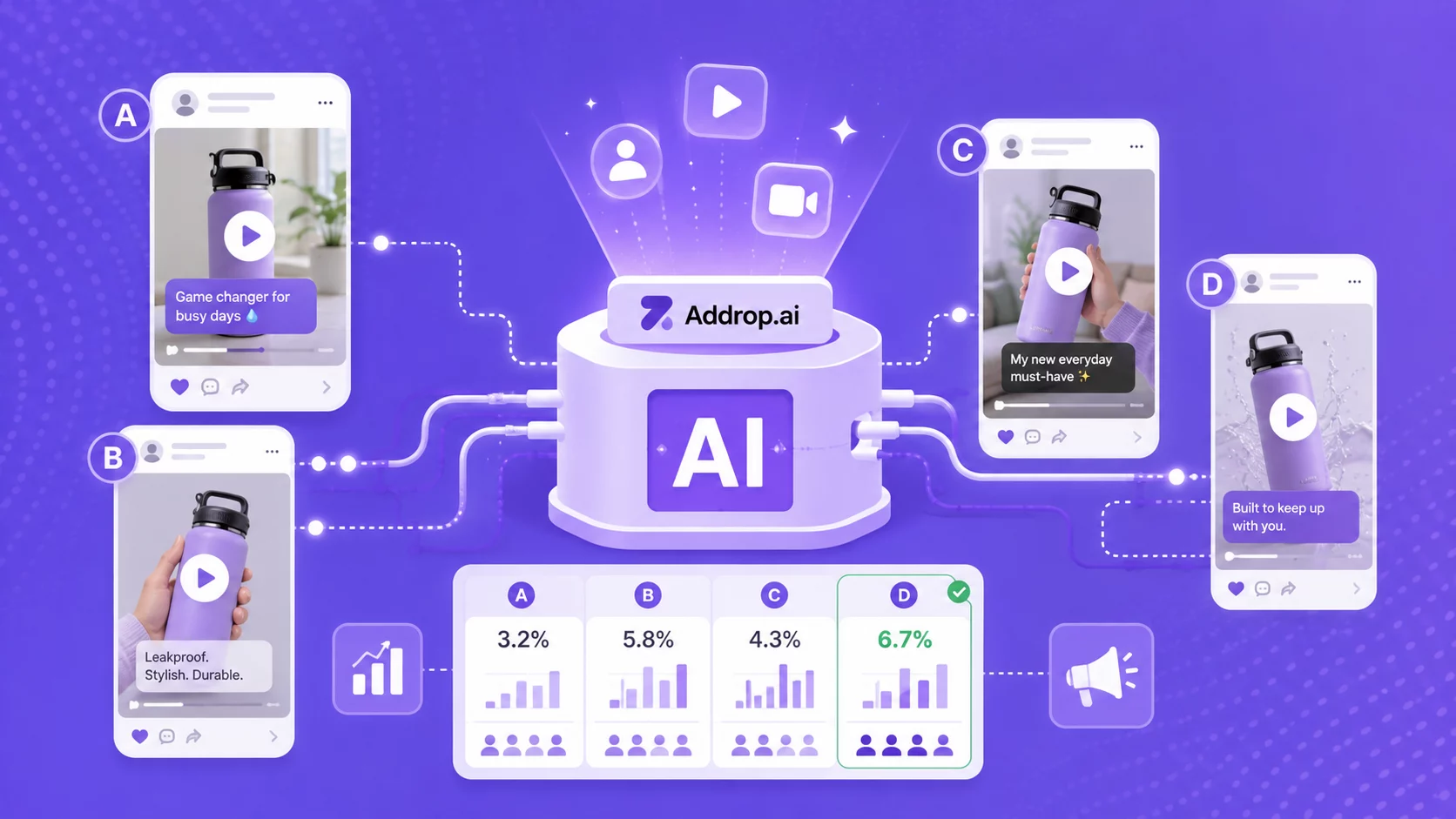
What changed: On paid plans, Addrop now runs up to five image or video generations at once, and they keep going in the background if you leave the page. We also upgraded the models behind Addrop videos for more natural motion and more accurate spoken dialogue. Add a product name and description, and Addrop works them into your script. You can pick products straight from your Zendrop catalog, and Image Studio can draft your image prompt for you.
Why it matters: Finding an ad that works means testing a lot of ads that don’t. Faster ads won’t tell you which one will win, but you’ll have more to test, sooner.
Where to find it: Click Create Ads with AI in Zendrop, or go to addrop.ai.
Create your first AI video ad with Addrop
Join 500,000+ entrepreneurs using Zendrop to find products, test ideas fast, and launch scroll-stopping video ads without hiring creators or learning editing.
Generate your first video ad →
New features for sellers running a bigger operation
As your store grows, so does the work of running it. These three updates are for sellers who are already there (or getting close).
Give your team their own login (High-volume sellers only)

What changed: High-Volume Sellers can now invite team members to their Zendrop account and choose what each person can access. Team members get their own login to manage orders, fulfillment, and order issues. Billing details and plan settings stay with the account owner.
Why it matters: Sharing a password works right up until someone leaves and steals all of your account data with it, and it’s hard to get back. Now each person gets their own access, and you decide what they see.
Where to find it: Go to Users in your account and click Add a Team Member.
Order issues have their own page (All plans)

What changed: On every plan, Order Issues now has its own page under Orders. You can filter by who raised an issue, see tracking details when you open a new one, and manage issues from your phone.
Why it matters: When you’re handling dozens of orders a day, you shouldn’t have to dig through email threads to find an open issue.. Now you can see what’s open and what needs you next at a glance.
Where to find it: Go to Orders, then Order Issues.
Related article: What Is Order Issues and How Do I Use It on Zendrop?
Set a separate payment card for each store (All plans)

What changed: If you run more than one store, you can now set a default payment card for each store’s fulfillment, on any plan. The redesigned Billing page shows your plan, credits, and saved cards in one place, and you can export statements for one store or all of them.
Why it matters: When every store bills to one card, it’s hard to tell what each store actually costs. A card per store keeps spending separate. Come tax season, that’s one less spreadsheet to build.
Where to find it: Go to Billing in your account settings.
What we’re building next
A quick look at what’s on the bench right now:
- SKU mapping
- Stronger origin-country hiding on your tracking page
- More ways to resolve order issues, including contacting the courier, reships, and partial refunds
Have a question we haven’t answered yet? Bring it to the Community or the next onboarding call. As you can probably tell by now, your questions shape what we build.
Thanks for all your good questions!
This list started with your questions, so thank you for asking them. Keep them coming.
We’ll be back next month with more.
Don’t miss the next Zendrop feature
Get product updates, new feature launches, and tips to help you source, sell, and fulfill faster – plus our free Dropshipping Guide when you subscribe.
By subscribing, you agree to receive emails from Zendrop. You can unsubscribe at any time.