Build your Shopify store in minutes using AI
Getting from a blank Shopify theme to a fully functioning dropshipping store you’d actually feel comfortable sending customers to takes more work than it looks.
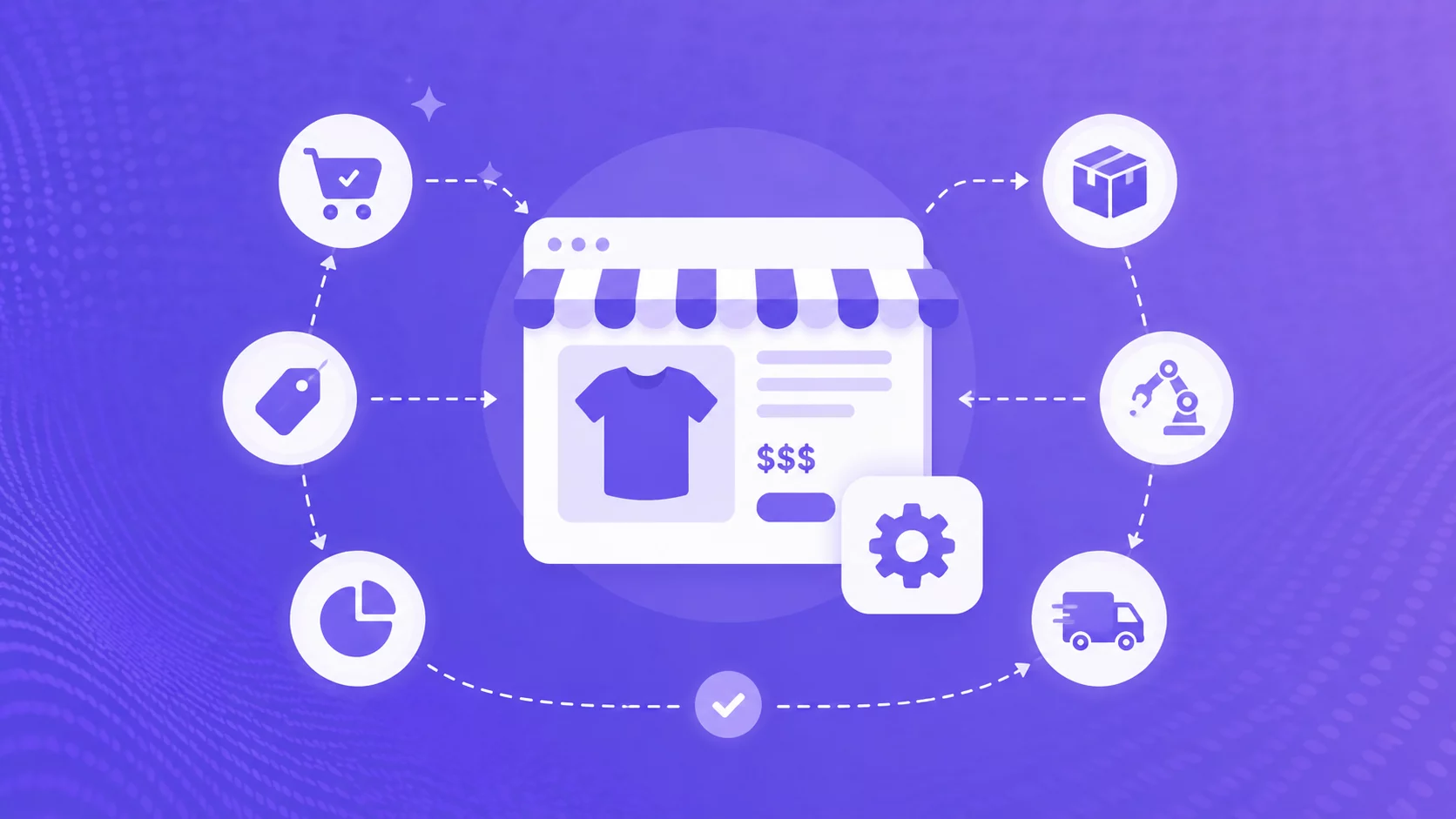
An AI Shopify store builder can take a good chunk of that setup off your plate. Depending on the tool, you might describe your business, choose a niche, or paste in a product link and get back a store design, copy, product pages, or even a starter catalog. Dropshipping-focused options may also include a starter catalog and a connection to sourcing or fulfillment.
A polished store is useful, but it’s not the same as one optimized for Shopify: having products, payments, shipping, and fulfillment all ready to go.
Here’s what the main AI store builders offer in 2026, how to compare them, and what you still need to check before launch.
Start Your Shopify Store for $1/Month
Try Shopify free for 3 days, then pay just $1/month for your first 3 months. Build your store, connect Zendrop, and start putting your dropshipping workflow in place.
Start for $1/Month →
Key takeaways
- AI store builders do different jobs. Some design stores, some build dropshipping product pages, and some also add products and fulfillment.
- Look at what you actually get: design, products, supplier access, fulfillment, and how much you can edit in Shopify.
- “Free” doesn’t always mean free to launch. Shopify and Zendrop subscriptions, domains, apps, ads, and fulfillment can still cost extra.
- Zendrop’s AI-built store includes a customizable premium theme, 20 selected products, and access to its sourcing and fulfillment platform.
- AI can speed up setup. You still need to choose the right products, set your pricing, finish your store settings, and market it.
What is an AI Shopify store builder?
An AI Shopify store builder uses artificial intelligence to generate some or all of an online e-commerce store, usually the design, layout, copy, and product pages. Depending on the tool, you could get anything from a store design to optimized product pages.

Shopify itself now offers an AI Store Builder, alongside tools like Sidekick, that generates personalized store designs from a short description. Third-party tools can go further by generating pages from product links or loading a store with starter products.
What AI can create well
- Store design: Homepage layouts, colors, fonts, and sections.
- Draft copy: Headlines, product descriptions, benefits, and calls to action.
- Product pages: Some tools can turn a product link or catalog item into a ready-to-edit page.
- Images and banners: Some generate visuals, while others use supplier images or placeholders.
- A solid first draft: The biggest win is getting something on the page quickly, so you can start improving it instead of starting from scratch.
What still needs your input
- Product choice: AI can suggest winning products, but it can’t tell you what people will actually buy or why they should buy from you.
- Pricing: You still need to factor in product costs, shipping, fees, returns, and advertising.
- Store setup: Double-check payments, taxes, shipping, and policies before you launch.
- Suppliers and fulfillment: Make sure products are available, delivery times are accurate, and you know how tracking and returns work.
- Your brand: Replace anything generic or off-brand, from the store name and copy to the images and products.
Get smarter e-commerce automation tips in your inbox
Subscribe for practical tips on sourcing products, launching your store, improving fulfillment, and growing your e-commerce business, plus get our free Dropshipping Guide.
By subscribing, you agree to receive emails from Zendrop. You can unsubscribe at any time.
The four main types of AI store builder
Most tools fit one of four models. Knowing the model tells you what kind of work will still be waiting after generation.
An AI store builder for Shopify may describe any of these categories. An AI dropshipping store builder is the specialist subset expected to pair storefront creation with starter products and a sourcing or fulfillment path.
| Type | Typical input | Usually creates | Verify before launch |
| Design generator | Business description | Homepage or theme concepts, layout, starter copy | Products, supplier, fulfillment, payments |
| Product/page generator | One or more product links | Product pages, copy, images, collections | Sourcing, stock accuracy, shipping, policies |
| Dropshipping store builder | Niche choice or store request | Theme plus starter products; sometimes training or a domain offer | Total cost, product source, delivery times, automation |
| AI-coded storefront | Conversation or detailed prompt | Custom storefront UI connected to Shopify’s commerce engine | App permissions, maintenance, accessibility, performance |
How to choose the best AI store builder for your Shopify store
The best tool depends on what you need help with: design, product pages, or getting more of the store launch-ready. These seven questions can help you compare your options.
1. Does it build a full store or just the design?
A homepage is only one piece. Check whether product pages, landing pages, collections, navigation, and other key pages are included.
2. Does it include real products?
Some builders use placeholders, while others add starter products. Check where they come from, whether you can edit them, and how stock and pricing are handled.
3. Does it include sourcing and fulfillment?
Building the store is different from fulfilling the order. Find out how products are sourced, orders are routed, and tracking is handled.
4. What does “free” actually mean?
The store generation may be free, while Shopify, domains, apps, or fulfillment still cost extra. Look at the total cost to launch and run the store.
5. Can you edit everything in Shopify?
Make sure you can change the copy, products, images, layout, and policies without rebuilding the store.
6. Can you see what the finished store looks like?
Look for demos, screenshots, and clear documentation. Seeing the actual output tells you more than claims like “high converting.”
7. What’s still left to do before launch?
Check what you’ll still need to set up, from payments and shipping to policies, checkout, and fulfillment. The better the tool, the shorter that list should be.
How Zendrop’s AI-built Shopify store works

If you already have a Shopify store, you can add Zendrop directly from the Shopify App Store. Your store stays on Shopify, while Zendrop handles product sourcing and fulfillment.
1. Create your Shopify store.
Start by signing up for Shopify and creating your store. You can build and customize it during Shopify’s trial, but you’ll need a paid Shopify plan before you can start accepting orders.
2. Install Zendrop.
Find Zendrop in the Shopify App Store and install it on your store. Shopify will show you the permissions Zendrop needs before you approve the connection.
3. Finish your Zendrop setup.
Shopify will guide you through Zendrop’s account and billing setup. Once that’s complete, your Shopify store will be connected to Zendrop.
4. Choose products to sell.
Browse Zendrop’s catalog, review the products you’re interested in, and add them to your store. Before publishing, you can customize details like product titles, descriptions, images, and pricing.
5. Get your Shopify store ready to launch.
Set up your payment provider, shipping settings, store policies, and checkout. A custom domain is optional — Shopify gives every store a myshopify.com address — but a branded domain can make your store feel more polished.
6. Check the numbers before you promote a product.
Take a look at the product cost, shipping cost, availability, ship-from location, and estimated delivery time. Make sure the product can ship to the customers you plan to target before you spend money promoting it.
Tip: Place a test order before launch. so you can see the customer experience from checkout through fulfillment
Start Your Shopify Store for $1/Month
Try Shopify free for 3 days, then pay just $1/month for your first 3 months. Build your store, connect Zendrop, and start putting your dropshipping workflow in place.
Start for $1/Month →
What to customize after the AI builds your store
Think of your AI-built store as a first draft. The setup is done, but a few edits can make it feel much more like your store.
Here’s where to start.
Brand name and logo: Swap out anything generic for a name and look people can remember. A beauty store called Glow Theory feels more distinctive than Beauty Essentials Store.
Niche: You don’t have to keep every product the AI gives you. If you’re building a store around minimalist skincare, a facial cleanser and moisturizer fit. Hair extensions probably don’t.
Homepage message: Tell people who the store is for or what makes it different. Instead of “Discover Your Best Style,” a clothing store could say “Easy everyday basics for petite women.”
Pricing: Check your profit margins, meaning what you’ll actually make after product costs, shipping, fees, returns, and advertising. A $35 pet accessory may look profitable until you add up everything it costs to sell it. Zendrop’s profit margin calculator can help you run the numbers.
Featured products: Pick two or three products that best represent the store rather than giving everything equal attention. A home organization store might lead with drawer organizers, storage bins, and a compact shoe rack.
Policies and trust details: Make sure your shipping, returns, and contact pages match how your store actually works. If a beauty product takes 7–10 days to arrive, don’t leave generic copy promising “fast shipping” without explaining what that means.

The real differentiator: what happens after checkout
Design gets the attention, but fulfillment determines whether the promise survives the sale. A builder that includes products is only useful if you can verify where those products come from and how an order moves after checkout.
Zendrop combines store creation with product sourcing and fulfillment tools. Products stocked in U.S. warehouses may use Zendrop’s U.S. fulfillment network, while other products can use China-based sourcing and fulfillment options. The available method and delivery estimate depend on the product and destination, so check them product by product rather than making one store-wide shipping promise.
- Confirm the supplier, warehouse, current product cost, and stock status.
- Check shipping methods and delivery windows for the countries you will target.
- Make sure your product page and shipping policy use the same expectations.
- Verify order routing, fulfillment settings, and tracking updates with a test order.
- Plan how you will handle stock changes, damaged items, returns, and customer questions.
What you still own
An AI store builder gives you a faster starting store, not a finished business. The work that remains is the work that decides whether the business is useful to customers.
You choose the niche and positioning: Decide who the store serves, which problem it solves, and why the products belong together.
You validate the products: A starter catalog is not proof of demand. Test products, keep the ones that earn their place, and stop spending on those that do not.
You set the economics: Price for product cost, shipping, fees, returns, support, and acquisition. Revenue without a workable margin is not a win.
You run the marketing: The builder can help create a storefront and even draft ad assets, but your offer, ad creative testing, targeting, budget, marketing emails, and customer service still drive the outcome.
You protect the customer promise: Use accurate delivery language, reachable support, and policies you can actually honor.
What is the best AI Shopify store builder for beginner dropshippers?
There isn’t one best option. It depends on how much of the setup you want done for your dropshipping business.
Shopify’s AI Store Builder is a good place to start if you mainly need help with design. Give it a short description of your business and it generates store designs you can customize.
BuildYourStore.ai goes further, creating a Shopify store with a theme, pages, 10 preloaded products, and a .store domain. It can also connect with AutoDS for product sourcing.
Storebuild.ai is a Zendrop company that combines store creation with AI product pages and supplier-connected products. It makes sense if you already plan to use Zendrop for sourcing and fulfillment.
AutoDS pairs its AI store builder with a broader dropshipping automation platform. Its pre-built Shopify stores can include 10 curated products, while the platform also handles things like product importing, stock and price monitoring, orders, and tracking.
AliExpress is different: it gives you access to products and suppliers, but it doesn’t build the Shopify store for you. Sellers commonly connect AliExpress to Shopify through tools like DSers to import products and automate orders and tracking.
Zendrop brings the store and fulfillment sides together. Its AI-built store includes a customizable Shopify theme and 20 already winning products, with Zendrop’s catalog, sourcing, and fulfillment available in the same platform.
For beginners, I’d compare how much work is left after the store is generated. A good-looking homepage is helpful. Products you can source, orders you can fulfill, and a store you can easily edit are what get you closer to actually launching.
How an AI-built store fits into a wider workflow
The storefront is one layer. Product discovery keeps the catalog relevant, creative tools and conversion tools help you test ads, and operations tools handle the work that begins after a sale.
Storefront: The Shopify store is where customers browse, evaluate the offer, and buy.
Product discovery: Zendrop’s product discovery tools provide a large catalog and regularly updated specialist picks. Use them to replace weak starter products and test new angles.
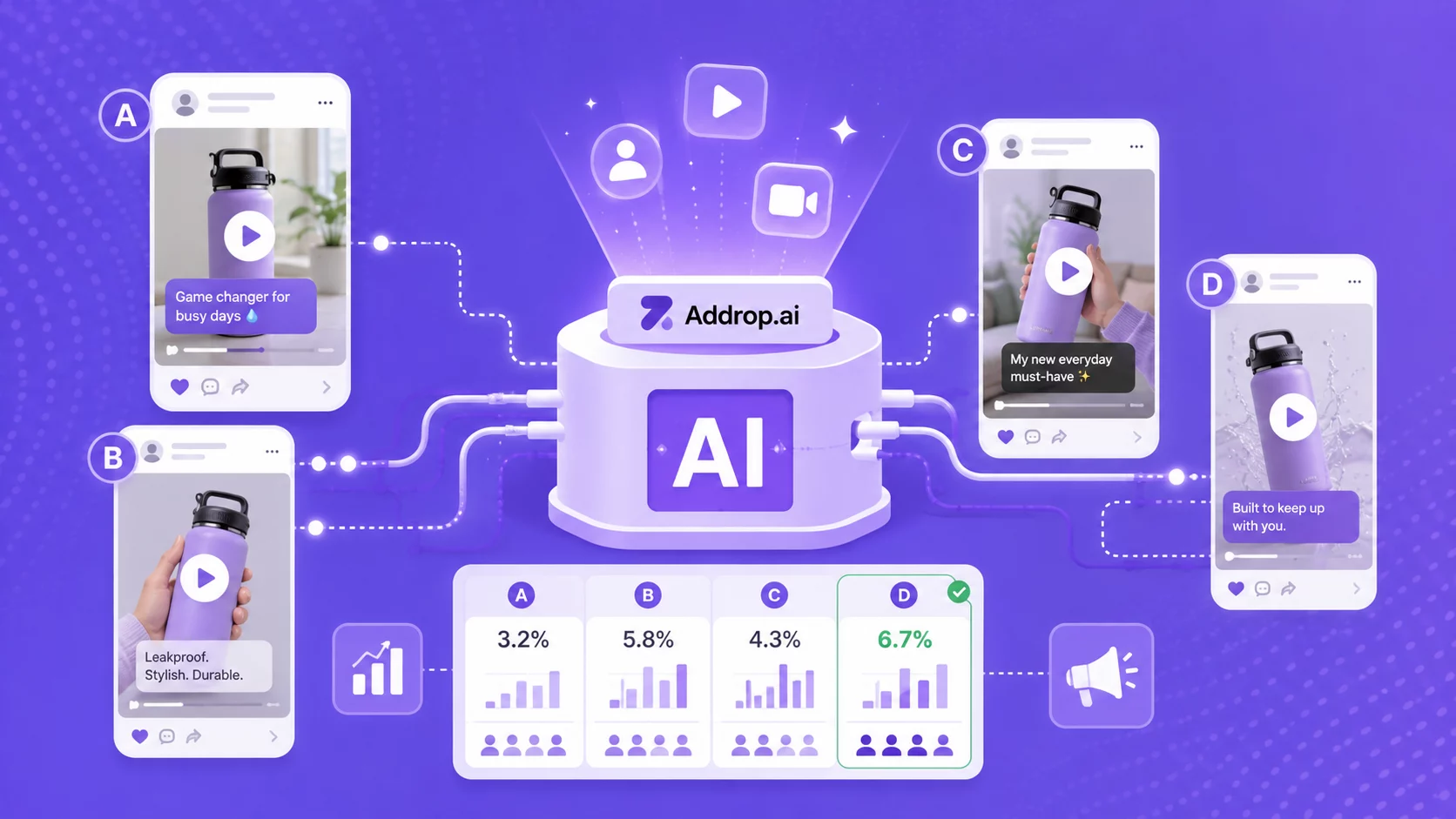
Ad creative: Zendrop’s built-in ad creative platform, Addrop, can turn a product link, image, or Zendrop catalog product into AI-assisted creator-style video ads. You still choose the audience, budget, offer, and testing plan.
Daily operations: Zendrop MCP uses AI assistants to search products, check orders, retrieve tracking, request shipping estimates, view analytics, and trigger fulfillment with confirmation.
Start from a real store, then make it yours
AI has changed the starting point for Shopify merchants. You no longer have to begin with a blank theme, but you do have to know what the builder created and what it left for you. Compare tools by the pages, products, supplier access, fulfillment, editability, and total cost they actually provide. Then treat the output as a first draft: focus the catalog, make the brand specific, verify the economics, and test the full path from product page to delivery.
Start Your Shopify Store for $1/Month
Try Shopify free for 3 days, then pay just $1/month for your first 3 months. Build your store, connect Zendrop, and start putting your dropshipping workflow in place.
Start for $1/Month →
Frequently Asked Questions about AI-built Shopify stores
What is the best AI Shopify store builder for beginners?
The best option is the one that matches the beginner’s real bottleneck and clearly shows what is included. For design help, Shopify’s native builder may be enough. For product-page production, look for a link-to-page tool. For a dropshipping starting point, compare the included catalog, supplier access, fulfillment workflow, support, and total operating cost. Zendrop is designed for the last use case.
Can AI build a Shopify store automatically?
AI can generate much of the design, copy, imagery, and page structure automatically. Some tools also add products. You still need to review the output, configure Shopify settings, confirm product and shipping details, and test checkout before launch.
Is Shopify’s AI Store Builder free?
Shopify currently lets users generate personalized store designs for free. Publishing and operating the store still requires Shopify services and may involve plan, domain, app, payment, and marketing costs.
Do AI store builders include products?
Some do and some do not. Design generators may create a storefront with no sellable catalog. Product-page builders start from links you provide. Dropshipping-focused builders may include starter products. Confirm whether products are placeholders, recommendations, or connected to a supplier.
How long does it take to build a Shopify store with AI?
Generation can take minutes, but a responsible launch usually takes longer. Budget time to review products, edit the brand, set pricing, connect a domain and payments, complete policies, check delivery estimates, and test checkout and fulfillment.
Do I still need a supplier if I use an AI store builder?
Yes, unless the builder or connected platform includes a real sourcing and fulfillment layer. A generated page does not create a supply chain. With Zendrop, you can use Zendrop’s product catalog, sourcing, and fulfillment tools, but you should still verify the method for each product and destination.
How much should I customize before launch?
At minimum, set the name and logo, tighten the catalog, rewrite the homepage promise, check pricing and margins, choose hero products, complete policies, and test the mobile checkout. Improve the rest from real customer and performance data.
Can experienced sellers use an AI store builder?
Yes. The value is repeatable speed. Experienced teams can create a starting store or product pages quickly and move sooner to the work they already know how to do: product validation, creative testing, offer development, and operations.