Zendrop's MCP server, the world's first for dropshipping, gives your AI real-time access to your catalog, orders, and store data. No custom code, no copy-pasting, no extra tabs.
Find products
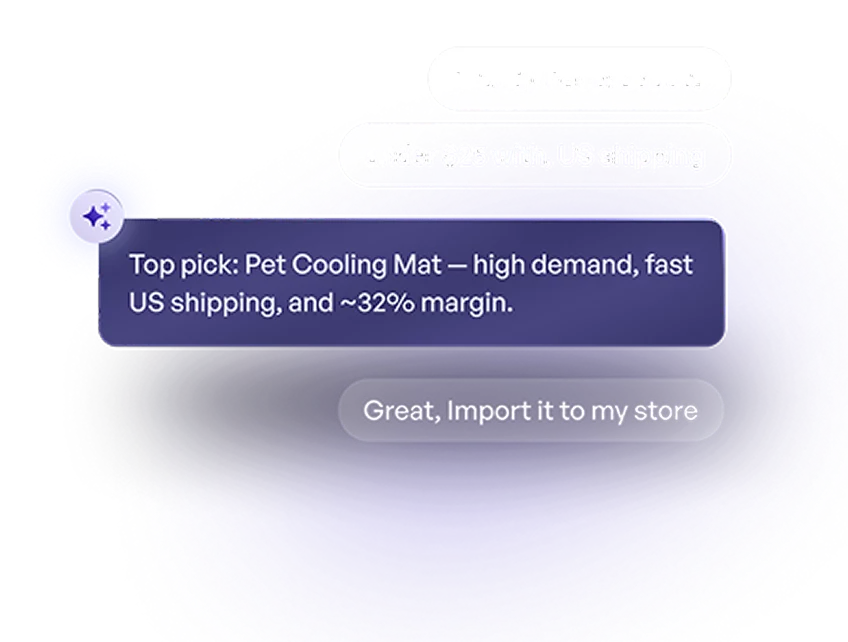
Search the Zendrop catalog by keyword, category, or price. Pull up trending products and get full details before you commit.
Manage orders
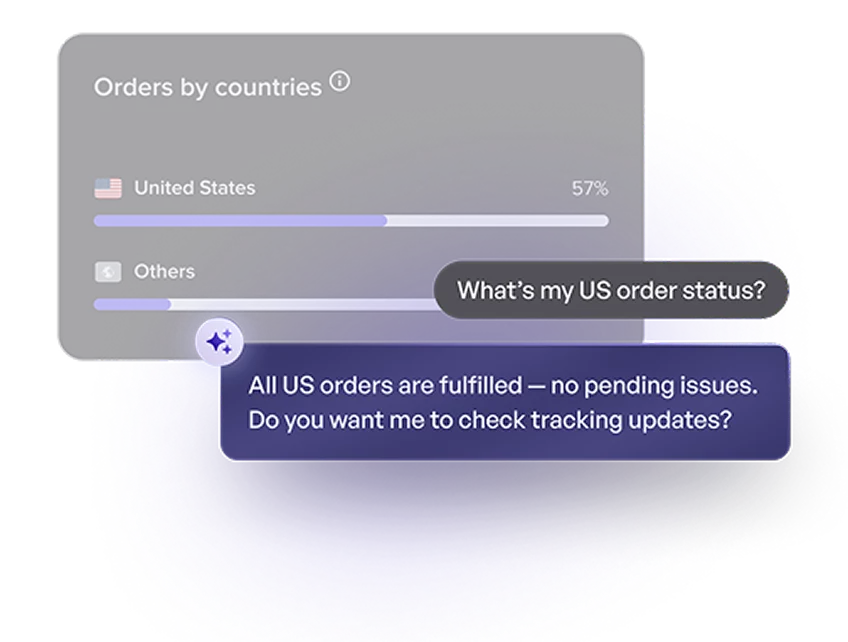
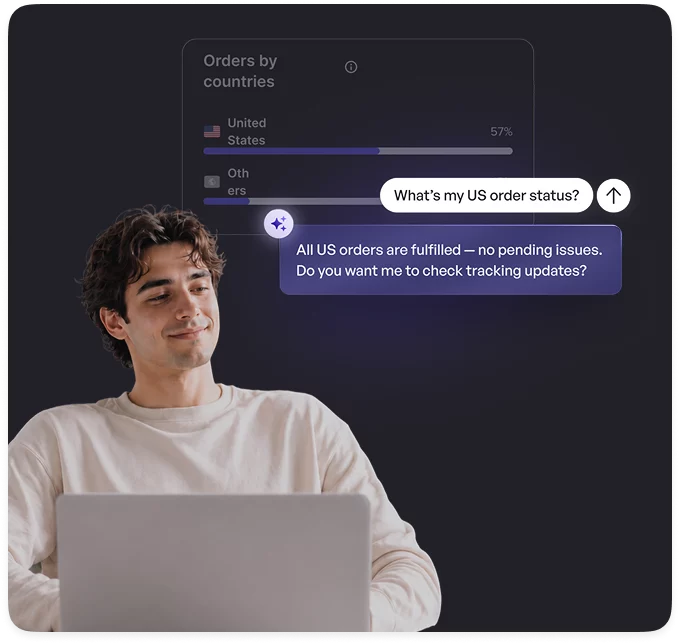
List and filter orders, check fulfillment status, get tracking numbers, and surface any active issue — all from your chat.
Get shipping estimates
Request shipping methods, costs, and delivery windows for any product to any country before adding it to your store.
Fulfill orders
Trigger fulfillment and update shipping addresses through your AI (with a built-in confirmation step before anything ships).
Access store analytics
Pull revenue, profit, refunds, and order counts by status, filterable by date range and destination country.
Run your store in chat
View connected stores, check fulfillment settings, and add catalog products to your import list — without opening a dashboard.
Most dropshippers are still running their stores the same way they did five years ago. We built this MCP server because sellers who harness AI are going to have a serious edge over everyone else.
Jared Goetz
Zendrop CEO
How it works
How to Set Up Zendrop MCP
Most AI tools are great at answering questions. Zendrop’s MCP Server lets your AI actually do the work inside your store.
Choose your AI assistant
Connect Zendrop to the AI tool you already use.
Add the Zendrop connector
Add Zendrop as a custom connector using the MCP server URL.
Approve access
Sign in and choose what your assistant can access and act on.
MCP stands for Model Context Protocol, an open standard that lets AI tools like Claude, ChatGPT, and Cursor connect directly to external apps and data sources. Instead of copying and pasting information into your AI chat, an MCP server lets your AI tool read and act on live data from connected platforms. For Zendrop users, that means your AI can check your orders, search the catalog, and trigger fulfillment without you lifting a finger.
Which AI tools work with the Zendrop MCP server?
Zendrop's MCP server works with any MCP-compatible client, including Claude Desktop, ChatGPT, Cursor, and Gemini. If your AI tool supports MCP, it works with Zendrop.
What can my AI actually do with Zendrop?
Quite a bit. Through the Zendrop MCP server, your AI can search the product catalog, get shipping estimates for any country, check order status and tracking, view store analytics (revenue, refunds, order counts), trigger fulfillment, and update shipping addresses — all from a chat window, in plain language.
Is there a confirmation step before fulfillment is triggered?
Yes. Fulfillment actions include a built-in confirmation step. Your AI will always ask you to confirm before anything ships. You stay in control.
Is my store data safe?
Yes. A few specifics worth knowing: all communication between your AI tool and Zendrop happens over HTTPS — no data is sent in plain text. Access is controlled by a token you generate, and you can revoke it at any time. The MCP server only returns data that belongs to your account. It cannot access another merchant's store or orders.
You can also limit what the AI can do at the token level. For example, giving it read-only access to orders without permission to fulfill them
Do I need a paid Zendrop plan to use the MCP server?
You can get started free. Some features may require a paid plan depending on your store's volume and needs. Check the pricing page for details.
Is Zendrop the first dropshipping platform to launch an MCP server?
Yes. Zendrop is the first dedicated dropshipping and fulfillment platform to launch an MCP server. That means your AI can now access your store, catalog, and order data in real time — something no other dropshipping platform currently offers.
How is this different from using the Zendrop dashboard?
The dashboard is where you manage your store manually. The MCP server lets your AI do the legwork for you — searching products, pulling analytics, checking orders — while you stay in one place. Think of it as giving your AI direct access to Zendrop, so you stop switching tabs to find information.